












About Riddle Transfer
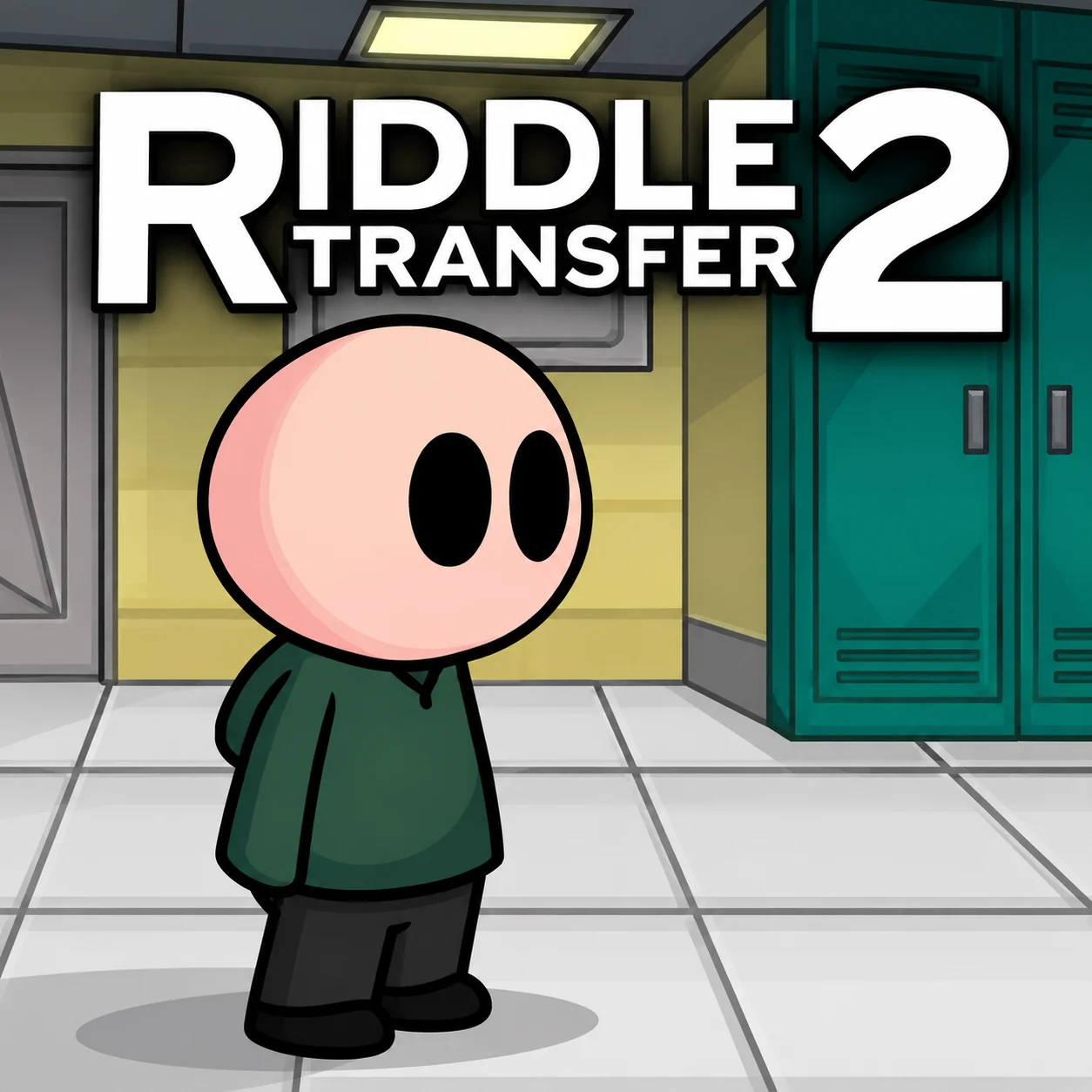
Riddle Transfer begins after Phil and his friends are detained in a secret facility. Escape is built around opening secure rooms, exchanging objects and understanding the building.
Phil's troubles continue in a secured facility rather than an ordinary school. Escaping means learning the layout, collecting small tools and using vents or other openings to bypass barriers.
How to Play Riddle Transfer
Investigate the holding area.
Collect tools and manipulate security obstacles.
Inspect the cell for tools that could open a new route.
Help the group find a way out.
Controls
| Action | Control |
|---|---|
| Explore scene | Mouse click |
| Use an item | Click object in inventory |
Riddle Transfer Tips & Tricks
Inspect ventilation openings for routes. A blocked door is sometimes a sign that you should search above or around it.
Keep track of locked areas and their required tools.
Use conversations to learn why characters are confined.
Check whether objects can be used outside their original rooms.
Explore newly opened corridors before returning to an old puzzle.
Frequently Asked Questions
Why is Phil held in a facility?
The story continues with the friends detained in a secret location.
What type of puzzle is this?
A point-and-click escape adventure.
Why pay attention to vents?
They can suggest another route through the building.
Are security obstacles important?
Yes. Locked areas and surveillance affect the escape plan.
Can I solve the escape from one room?
No. Different facility areas contain separate clues.
Why keep a screwdriver or similar tool?
A tool may open an otherwise inaccessible route.
Should I remember security barriers?
Yes. They tell you which areas still need a solution.