







About Word Search
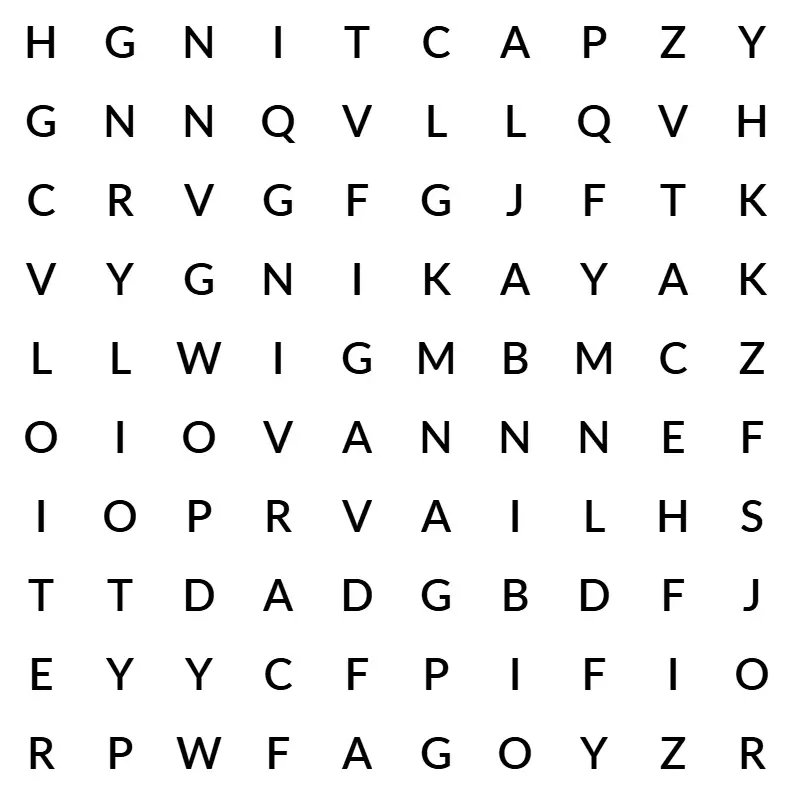
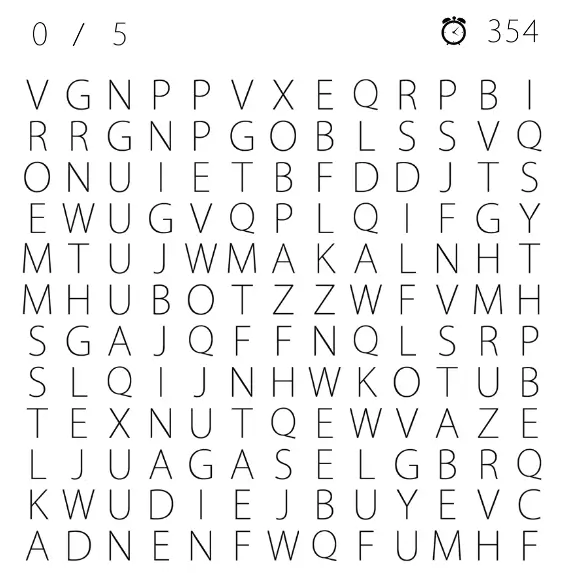
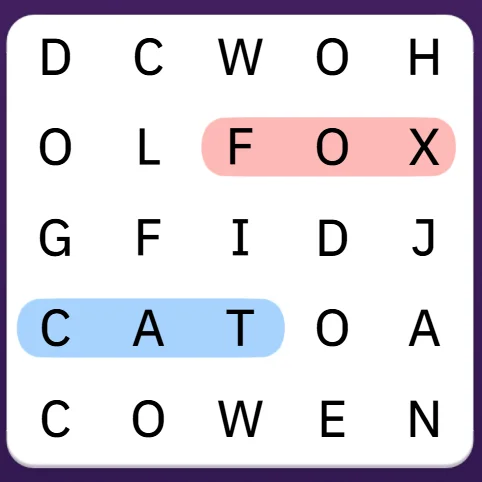
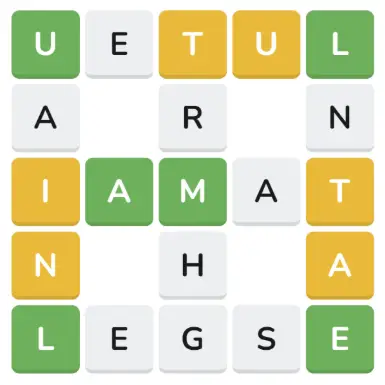
Word Search hides a list of target words in a dense letter grid. The words can run horizontally, vertically or diagonally, forwards or backwards.
Words can be hidden backward or diagonally, so reading the grid like ordinary text misses many answers. A systematic scan works better than sweeping your eyes randomly over every letter.
How to Play Word Search
Choose a word from the list.
Scan the grid for its letters in sequence.
Trace the entire sequence before releasing the mouse or finger.
Drag across the full word to mark it found.
Controls
| Action | Control |
|---|---|
| Find a word | Drag across letters (mouse / touch) |
Word Search Tips & Tricks
Hunt for unusual starting letters first. Finding an uncommon first letter helps narrow down the possible directions immediately.
Check all eight directions from a promising first letter.
Scan one region of the grid at a time.
Use the last two letters to confirm a suspected match.
Revisit already searched areas for reversed words.
Frequently Asked Questions
Can hidden words run backwards?
Yes. Search in both reading directions.
Are diagonal words included?
Yes, along with horizontal and vertical lines.
How do I mark a found word?
Drag from the first letter to the last along its path.
Can words cross one another?
They can share letters where their paths intersect.
Why look for rare letters?
They stand out among common letters and narrow the search.
How do I confirm a partial match?
Trace every letter in sequence before dragging the full word.
Can I start from the last letter?
Yes. A reversed word may be easier to spot from its ending.