



About Words Search Classic Edition
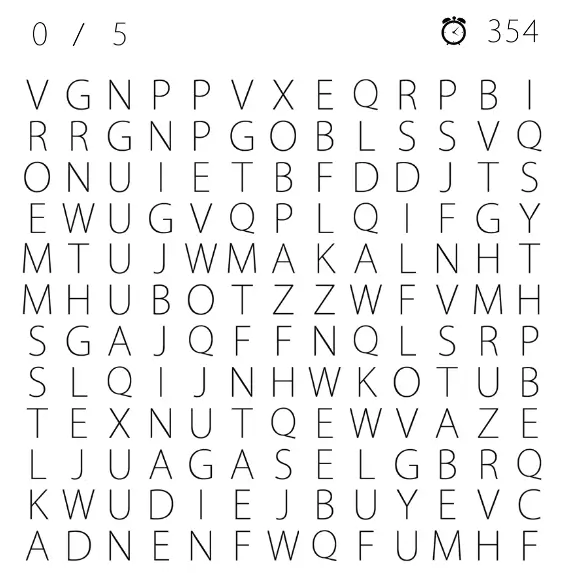
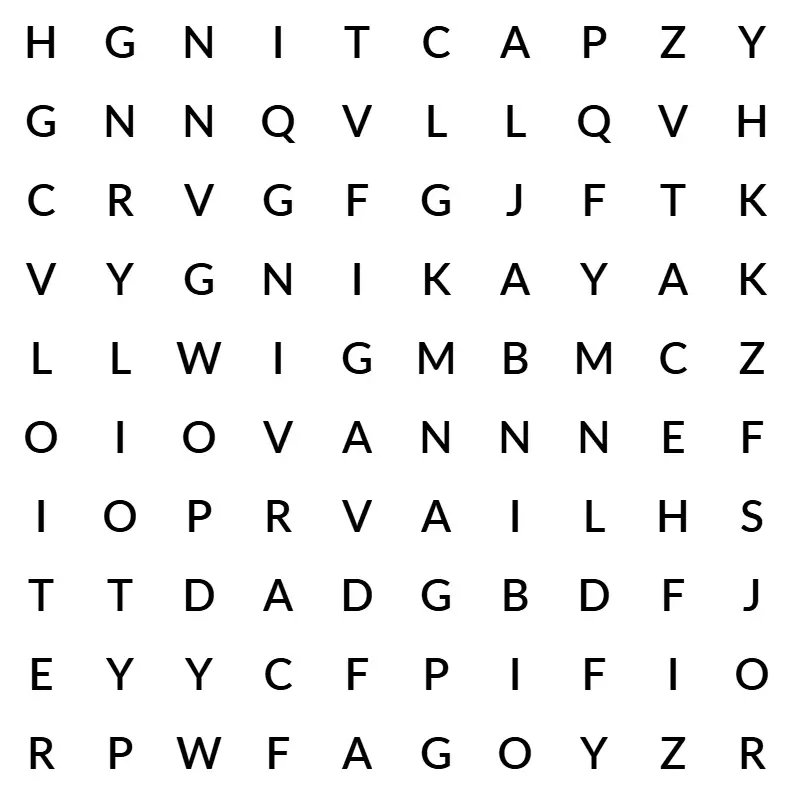
Words Search Classic Edition keeps the traditional printed-puzzle feel: a grid of mixed letters and a list of words to discover. The challenge is careful scanning rather than speed tricks.
There are no story elements or power-ups to distract from the search: just the word list and a crowded grid. That simple layout makes careful line-by-line scanning especially useful.
How to Play Words Search Classic Edition
Choose a listed word.
Find its letters along a straight path.
Mark words one at a time until the list is complete.
Mark every word in the grid.
Controls
| Action | Control |
|---|---|
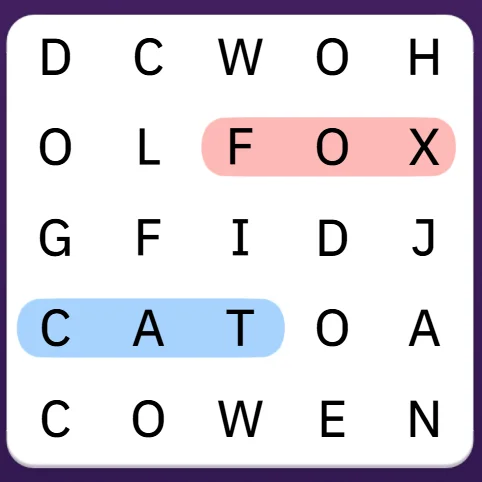
| Find a word | Drag across letters (mouse / touch) |
Words Search Classic Edition Tips & Tricks
Scan the puzzle row by row to avoid gaps. Reverse and diagonal directions are easy to overlook when you focus only on horizontal lines.
After spotting a first letter, check all nearby directions.
Look for words written in reverse.
Mark longer words early to orient yourself.
Return to the list to see which endings remain unmatched.
Frequently Asked Questions
Do I need to know definitions?
The challenge is locating the listed words, not explaining them.
Can a word be spelled diagonally?
Yes, diagonal paths are part of the search.
What marks a completed word?
A correct drag across its letters identifies it on the grid.
Why scan systematically?
A row-by-row search makes it harder to overlook the first letter.
Should I search every direction from the first letter?
Yes. The correct word may continue diagonally or backward.
How can I avoid missing a row?
Move across the grid in a fixed scanning order.
Is speed more important than observation?
A careful search is often more reliable than random sweeping.