






About Word Search Explorer
Word Search Explorer turns the familiar hidden-word puzzle into a journey through themed destinations. Each solved grid reveals another stage of the trip.
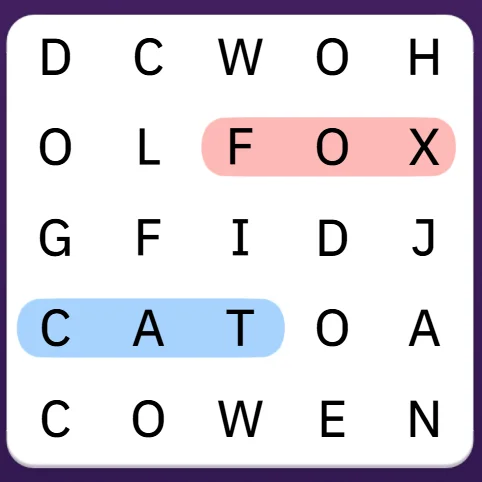
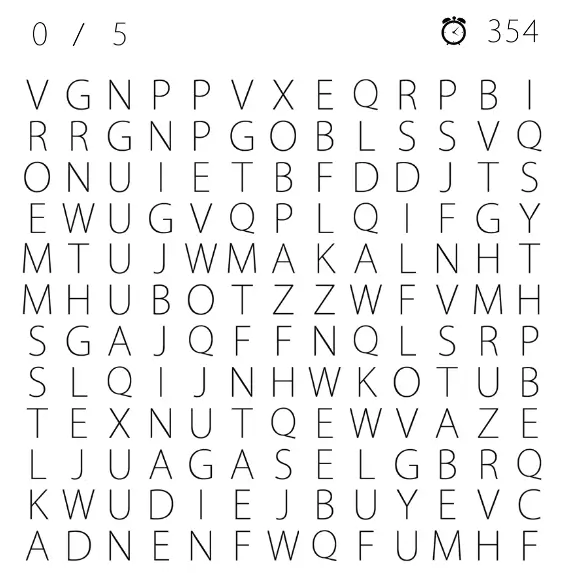
Each completed word grid moves the journey forward to another destination. The bright marked paths make it easy to see what has been found and what remains hidden.
How to Play Word Search Explorer
Read the target list.
Connect letters in a straight line to mark a hidden word.
Use the target list to keep your search focused on unfinished words.
Clear the list and continue to the next destination.
Controls
| Action | Control |
|---|---|
| Find a word | Drag across letters (mouse / touch) |
Word Search Explorer Tips & Tricks
Find long target words before small ones. Longer words create more visible patterns and can be easier to spot in a crowded grid.
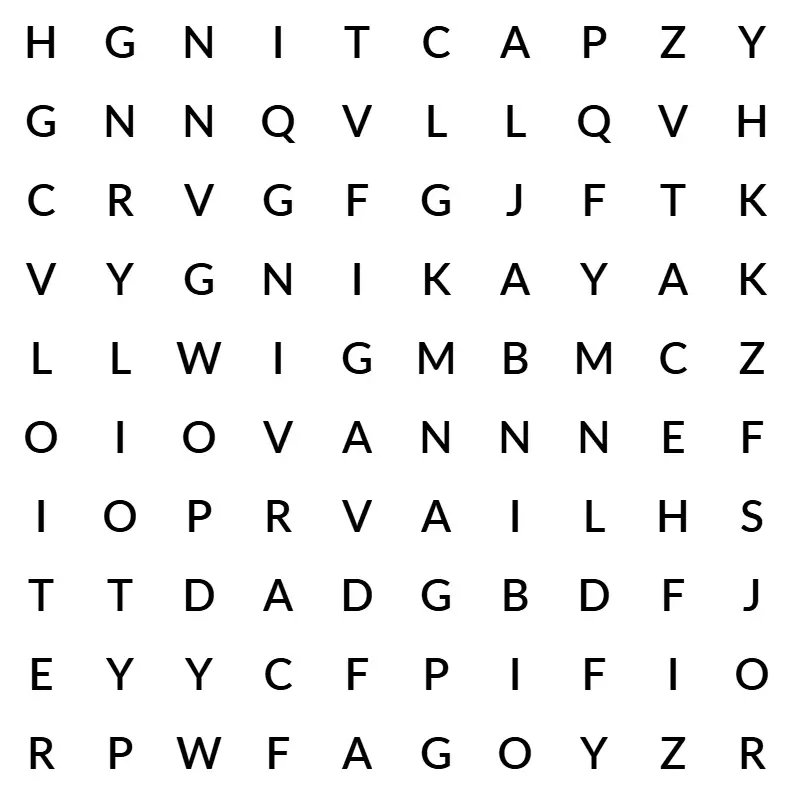
Use rare letters like Q, X and Z as landmarks.
Search diagonally after finishing obvious rows.
Check both reading directions on every line.
Look at the remaining word list after each successful highlight.
Frequently Asked Questions
How do I advance to a new destination?
Find every word in the current grid first.
Are shorter words always easier?
Not necessarily; long words can be more visible on a crowded board.
Do the highlighted lines show progress?
Yes. Found words are marked on the grid.
What if a target word is not left to right?
Check vertical, diagonal and reverse directions.
Why can long words be easier to spot?
They occupy a more distinctive line on the board.
Should I focus on the highlighted words?
Use them to track which targets are already finished.
What is a helpful approach after getting stuck?
Search around uncommon letters and diagonals.