



About Riddle School
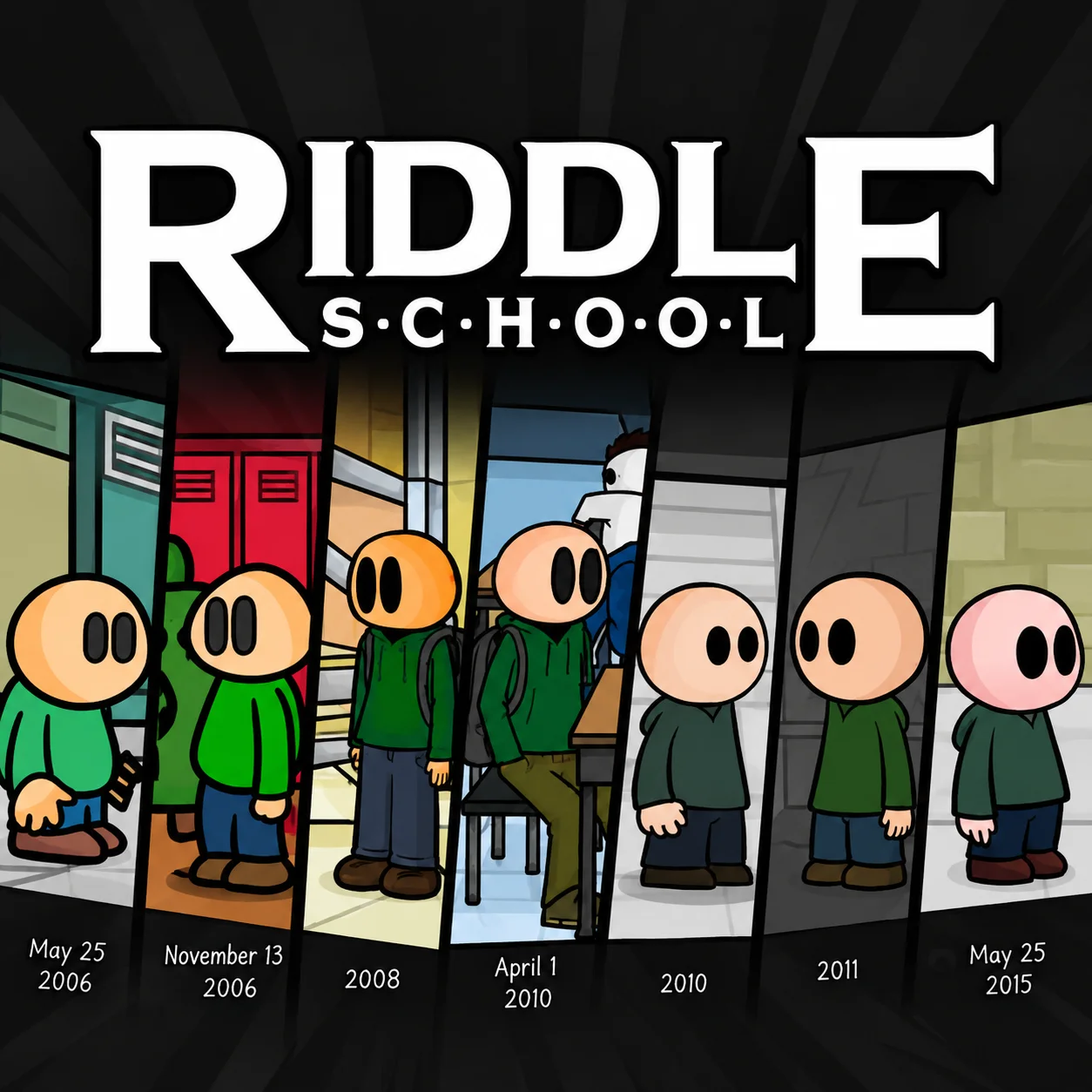
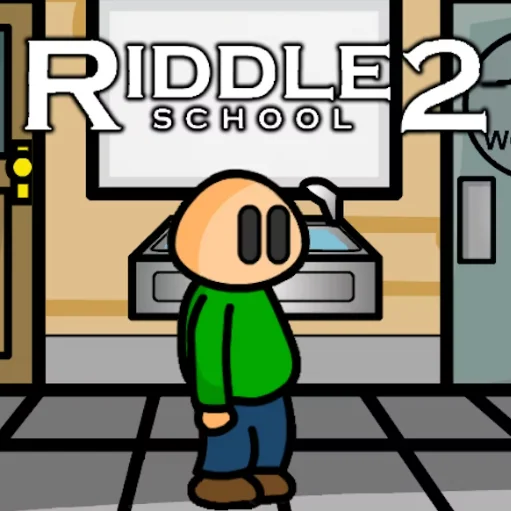
In Riddle School, Phil Eggtree wants out of a dull lesson. Escaping takes more than opening a door: you need to find, combine and use objects around the school.
Phil Eggtree wants out of class, but the way past a teacher or locked door usually involves an ordinary item used in a surprising way. Exploration and conversation drive the escape.
How to Play Riddle School
Explore the classroom.
Collect useful items and speak to classmates.
Talk to classmates and inspect objects before attempting the exit.
Solve the obstacles between Phil and the exit.
Controls
| Action | Control |
|---|---|
| Explore scene | Mouse click |
| Use an item | Click object in inventory |
Riddle School Tips & Tricks
Inspect desks and small objects carefully. The item a character requests often points toward your next small objective.
Talk to classmates for hints about their needs.
Revisit a room after acquiring a new item.
Think about what could distract a teacher.
Use inventory objects on the environment, not only on other objects.
Frequently Asked Questions
Who do I play?
Phil Eggtree, a student trying to leave class.
What kind of adventure is it?
A point-and-click escape puzzle.
Why speak with classmates?
They can reveal what you need to progress.
Can I combine items?
Yes. Inventory objects are part of the puzzle solutions.
Is there a map to memorize?
The important part is how rooms and items connect.
Can a small object become an escape tool?
Yes. Seemingly minor finds can solve later problems.
Why inspect the desk?
Useful clues can be hidden in ordinary classroom furniture.