

About Word City Uncrossed
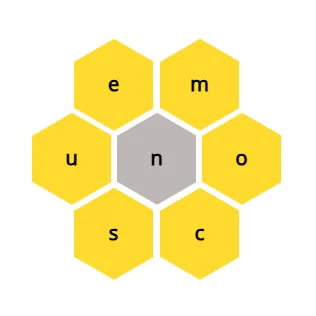
Word City Uncrossed keeps the circular letter wheel but lists the answers separately rather than crossing them. With no shared-letter hints, spotting hidden anagrams is the main challenge.
The words appear separately rather than crossing, removing the helpful shared-letter clues. You need to rely on the letter wheel and word length to uncover the remaining answers.
How to Play Word City Uncrossed
Swipe through the wheel to build words.
Fill the independent answer slots.
Shuffle the wheel when the same letters stop suggesting words.
Find all required words to pass the level.
Controls
| Action | Control |
|---|---|
| Make word | Drag through the letter wheel |
Word City Uncrossed Tips & Tricks
Rearrange the letter wheel to break visual habits. Seeing the letters in a different order can reveal a familiar arrangement.
Start with familiar short words.
Use the answer length to narrow options.
Test common prefixes that match the letters.
Check whether the same letters form more than one valid word.
Frequently Asked Questions
Do the answers intersect?
No. They appear as separate word slots.
What does the Shuffle action do?
It rearranges the wheel to help you notice new combinations.
Is the letter selection a circle?
Yes. You connect letters around the wheel.
Why check word lengths?
The slot size narrows the number of plausible anagrams.
What if I cannot see another word?
Reorder the visible letters and search again.
Are long answers harder without intersections?
Often, because there are fewer positional clues.
Should I reuse every letter in each word?
Use the required letters for the target answer length.