




About Tetris Flash
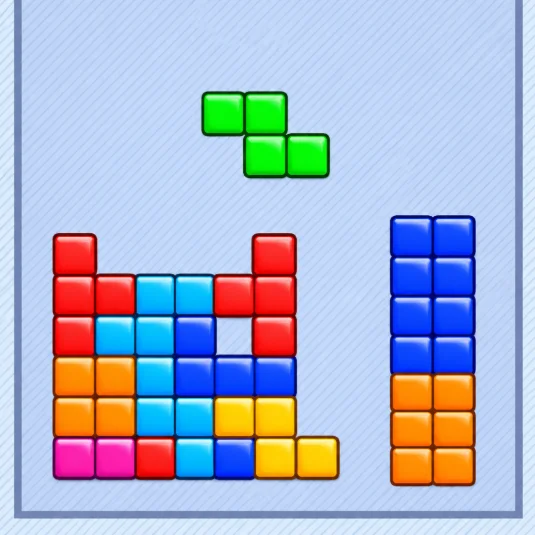
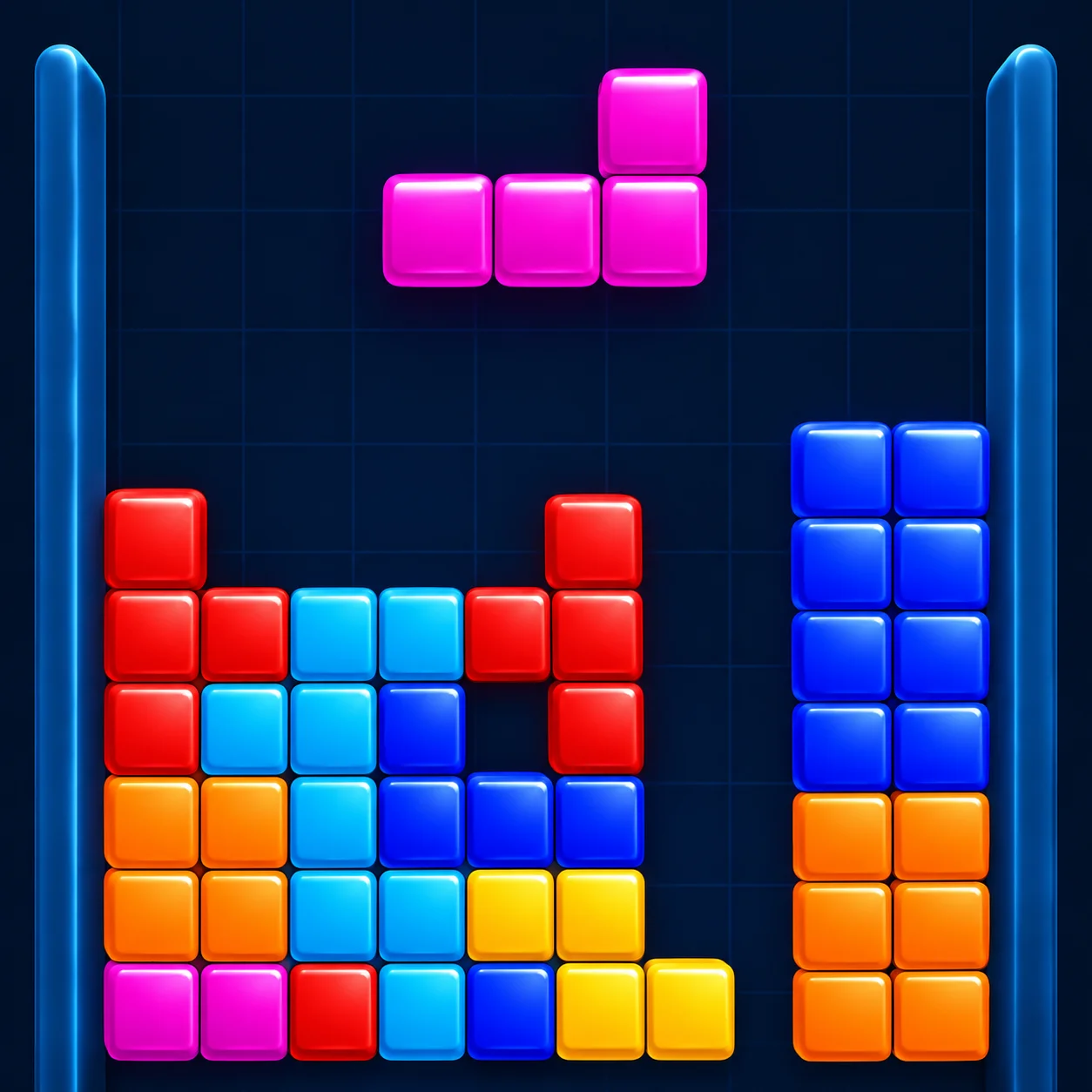
Tetris Flash is a classic falling-block challenge with a fast, straightforward goal: turn falling shapes into complete horizontal rows. Every cleared line lowers your stack while the falling speed gradually increases.
As the blocks fall faster, you have less time to fix a poor placement. Watching the upcoming shape and keeping a usable space open helps you avoid burying empty holes under new pieces.
How to Play Tetris Flash
Move the falling piece left or right.
Rotate it to fit an opening.
Use the down arrow to speed up a drop when the placement is ready.
Complete horizontal lines and keep the stack below the top.
Controls
| Action | Control |
|---|---|
| Move | Left / Right arrows |
| Rotate | Up arrow / X / Z |
| Soft drop | Down arrow |
Tetris Flash Tips & Tricks
Check the Next-piece preview before placing a block. Planning for the next shape prevents awkward gaps you cannot easily fill.
Keep the upper surface fairly level.
Leave a clear lane for a long straight piece.
Rotate early to avoid last-second gaps.
Clear available rows before the stack becomes dangerously tall.
Frequently Asked Questions
What clears blocks from the board?
A complete horizontal row disappears and frees space.
Does the game get faster?
Yes. Falling blocks speed up as you continue.
How do I rotate a piece?
Use the Up arrow or the indicated X and Z keys.
What does the Next preview show?
It shows the shape that will fall after the current block.
Why is a buried hole dangerous?
Pieces above it can prevent later shapes from reaching the gap.
Can I drop a piece faster?
Yes. The Down arrow accelerates the falling block.
What ends a round?
The run ends when the block stack reaches too high to continue.