About Mosaic Puzzle Art
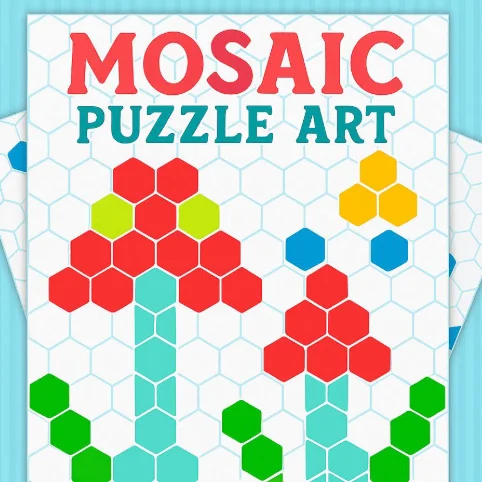
Mosaic Puzzle Art invites you to assemble a colorful picture from geometric fragments. Choosing the right shape, orientation and placement matters more than speed.
Each geometric fragment belongs to a larger picture, and both orientation and color guide the arrangement. Starting with strong borders helps you see how the smaller shapes fit together.
How to Play Mosaic Puzzle Art
Compare pieces with the faint picture outline.
Rotate and place each fragment.
Use the outside outline to establish the picture's frame.
Complete the mosaic without leaving gaps.
Controls
| Action | Control |
|---|---|
| Move piece | Mouse drag |
| Rotate piece | Mouse click / Space |
Mosaic Puzzle Art Tips & Tricks
Build the outer border first. Pieces with unusual angles have fewer possible positions and are easier to place early.
Match large color patches before small details.
Rotate awkward pieces over their intended region.
Use distinctive angles to locate irregular shapes.
Check the picture's lines before locking a near-match.
Frequently Asked Questions
Am I painting freehand?
No. You place prepared geometric fragments into a picture.
Can pieces be rotated?
Yes. Correct orientation is part of the puzzle.
Why start with the border?
Edges and corners make good placement guides.
How do I know a piece fits?
Its outline and color align with the picture underneath.
Do all fragments have regular shapes?
No. Some angled pieces need careful rotation.
Why match big color areas first?
They anchor the scene and simplify the smaller details.
Can two similar fragments be swapped freely?
Compare the outlines; a close color match may still be the wrong fit.