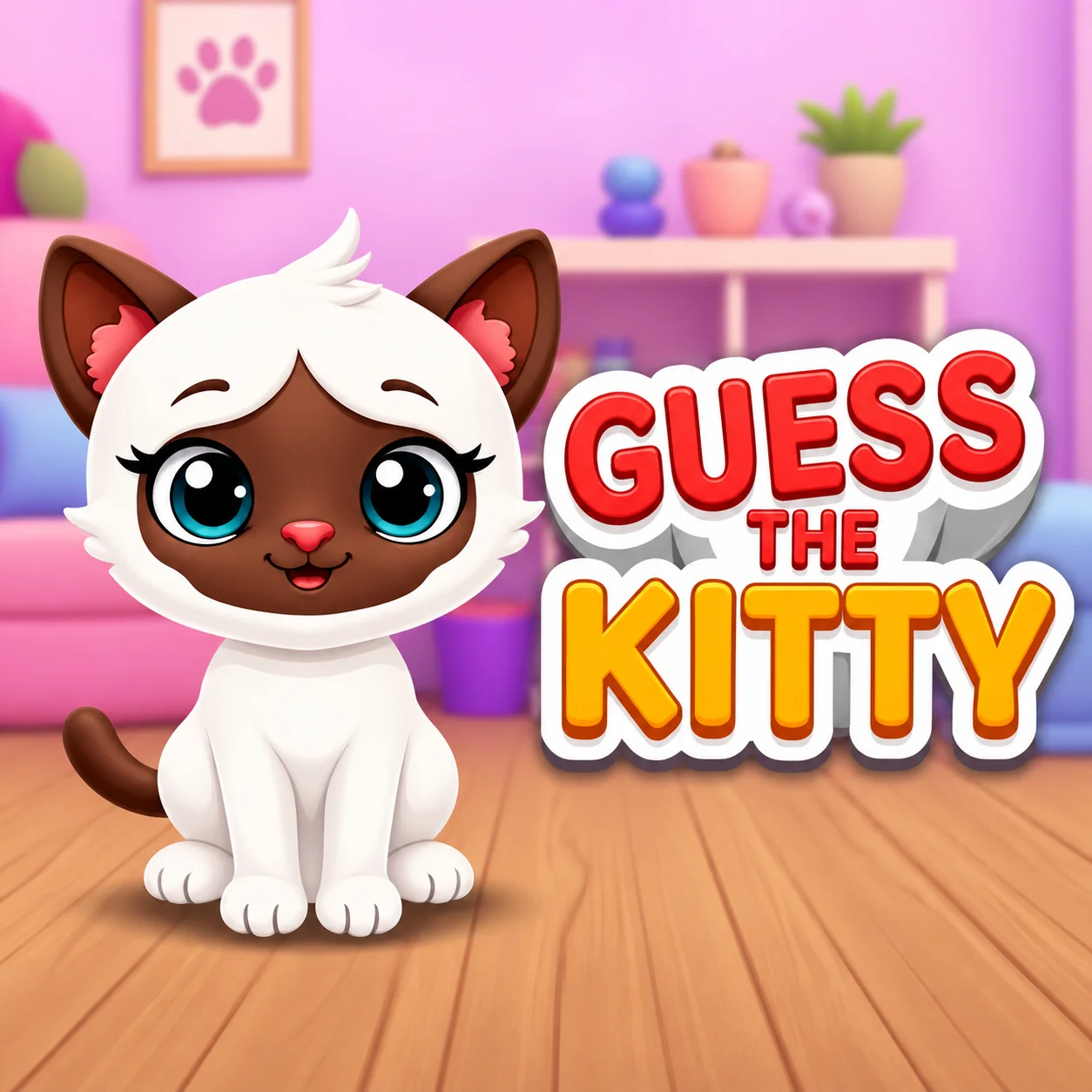










About Guess the Kitty
Guess the Kitty begins as a cat-identification quiz, but wrong answers lead to darkly comic consequences. Study each clue carefully and choose the correct feline answer.
The cute cat quiz has a deliberately unsettling sense of humor. Correct identification depends on visible clues in the image, while wrong answers can lead to surprises that break the innocent first impression.
How to Play Guess the Kitty
Examine the cat image or clue.
Pick the matching response.
Study the cat's face and markings before choosing a name.
Continue through the quiz and its outcomes.
Controls
| Action | Control |
|---|---|
| Inspect / select answer | Click / tap an answer |
Guess the Kitty Tips & Tricks
Compare distinctive ear and eye shapes. Ears, eyes and coat patterns give more reliable clues than the background.
Use fur patterns to distinguish similar breeds.
Read the full clue before choosing.
Rule out obviously mismatched cats first.
Watch for small visual differences rather than guessing on overall cuteness.
Frequently Asked Questions
Is this only a harmless photo quiz?
The quiz mixes cat questions with dark comic consequences.
What should I look at in cat images?
Ear shapes, fur patterns and eye details are helpful.
Do clues matter more than guessing?
Yes. They help distinguish similar choices.
How do I answer a round?
Select the cat response that matches the clue.
Does every cat look clearly different?
Some choices share traits, so inspect the details.
Why might the tone surprise me?
The quiz mixes cute imagery with dark humor.
Can I answer by typing?
Choose the answer that matches the cat clue.