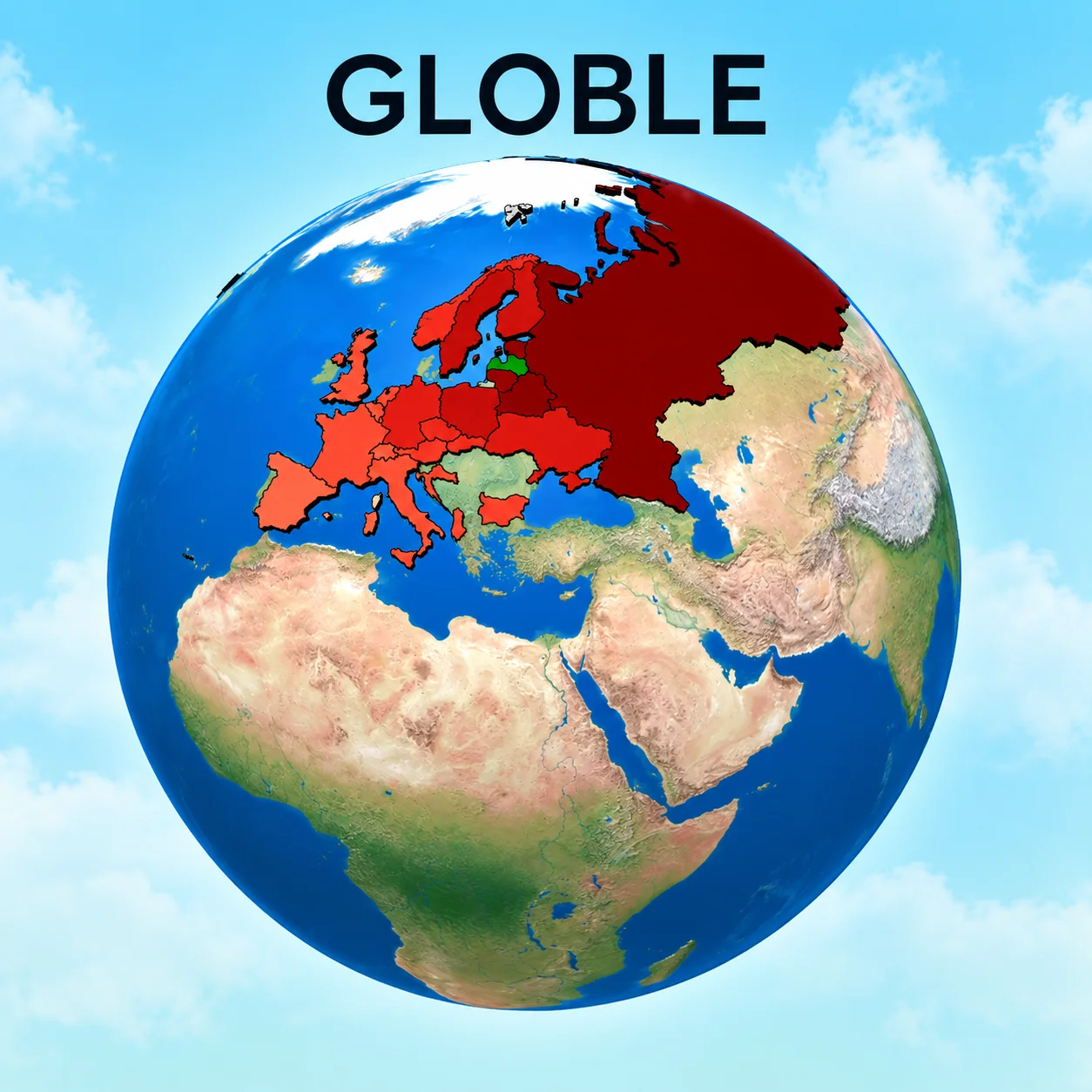

About Globle
Globle hides one country and turns the world map into a heat map of proximity. Each country you name changes color according to how near it is to the answer.
The colors do not tell you a direction by themselves. You discover the answer by comparing guesses across the globe and noticing where the map becomes progressively warmer.
How to Play Globle
Enter a country name.
Inspect its heat color on the globe.
Compare the heat of two geographically distant guesses.
Use warmer guesses to narrow the search until you find the country.
Controls
| Action | Control |
|---|---|
| Enter country | Type a country name and submit |
Globle Tips & Tricks
Begin with a strategically central country to locate the broad region. A single warm country narrows the search, but another well-placed guess reveals the direction.
Use contrasting guesses from different continents to judge direction.
Follow progressively warmer shades instead of guessing nearby at random.
Think about borders and coastlines when few options remain.
Remember that heat reflects geographical closeness, not cultural similarity.
Frequently Asked Questions
Am I guessing cities or countries?
You enter countries to find a hidden country.
What does a darker, warmer color mean?
Your guess is geographically closer to the secret answer.
How many guesses can I make?
There is no fixed guess limit in the described mode.
Do neighboring countries matter?
Yes. Nearby guesses help define the target's position on the globe.
Is a large starting country always the answer?
No. It is a useful reference point for directional clues.
What if two guesses have similar colors?
Try a location in a different direction to test which region is warmer.
Do I need to memorize every country?
Geographical reasoning helps even when you start with familiar countries.