


















About 3D Moto Simulator 2
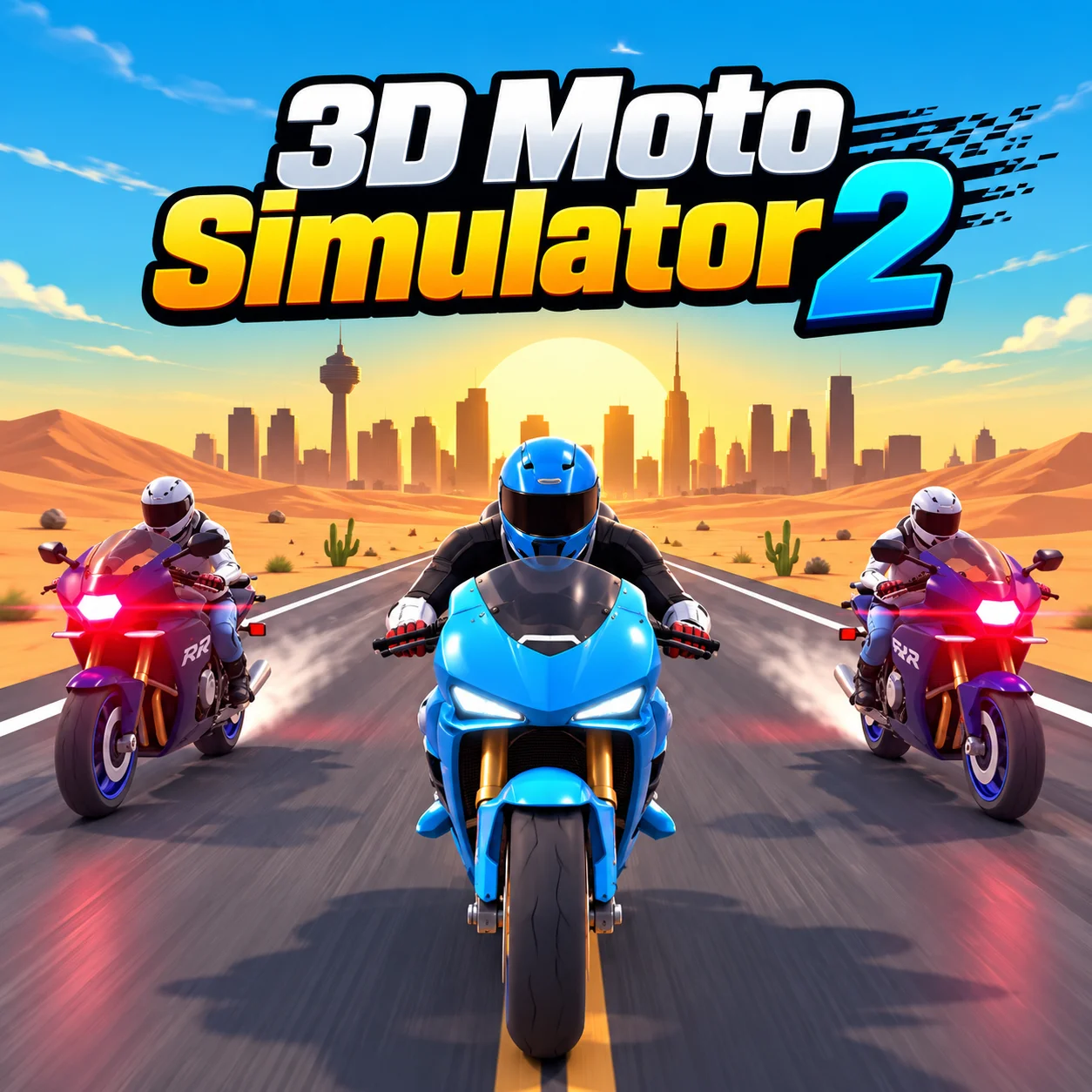
3D Moto Simulator 2 lets you ride powerful bikes through open environments and test your balance at speed. Highways and ramps invite stunts, but mistakes still send the bike flying.
This motorcycle playground rewards experimentation with balance, speed and ramps. A fast straight may be easy, but tight changes of direction expose the bike's handling.
How to Play 3D Moto Simulator 2
Choose a motorcycle.
Ride around the open map.
Build speed on clear roads before trying a stunt.
Use open stretches and ramps for stunts.
Controls
| Action | Control |
|---|---|
| Ride | WASD / arrow keys |
| Brake | Space |
| Nitro | Shift |
3D Moto Simulator 2 Tips & Tricks
Get comfortable with the bike's steering first. Brake before a tight corner instead of relying on a sharp last-second turn.
Brake lightly before tight corners.
Use nitro on clear straight routes.
Keep the bike aligned before a ramp.
Recover balance before accelerating after a landing.
Frequently Asked Questions
Can I explore without a race opponent?
Yes. You can ride through open environments.
What vehicle do I control?
A high-powered motorcycle.
What does Shift do?
Press Shift to activate nitro.
Why brake before a tight bend?
It helps avoid losing steering control.
Is nitro useful on a narrow curve?
It is safer to boost on open straights.
Can I practice stunts?
Yes. The described environments include jumps and ramps.
Why is a gentle brake useful?
It helps settle the motorcycle before turning.