

















About 3D Car Simulator
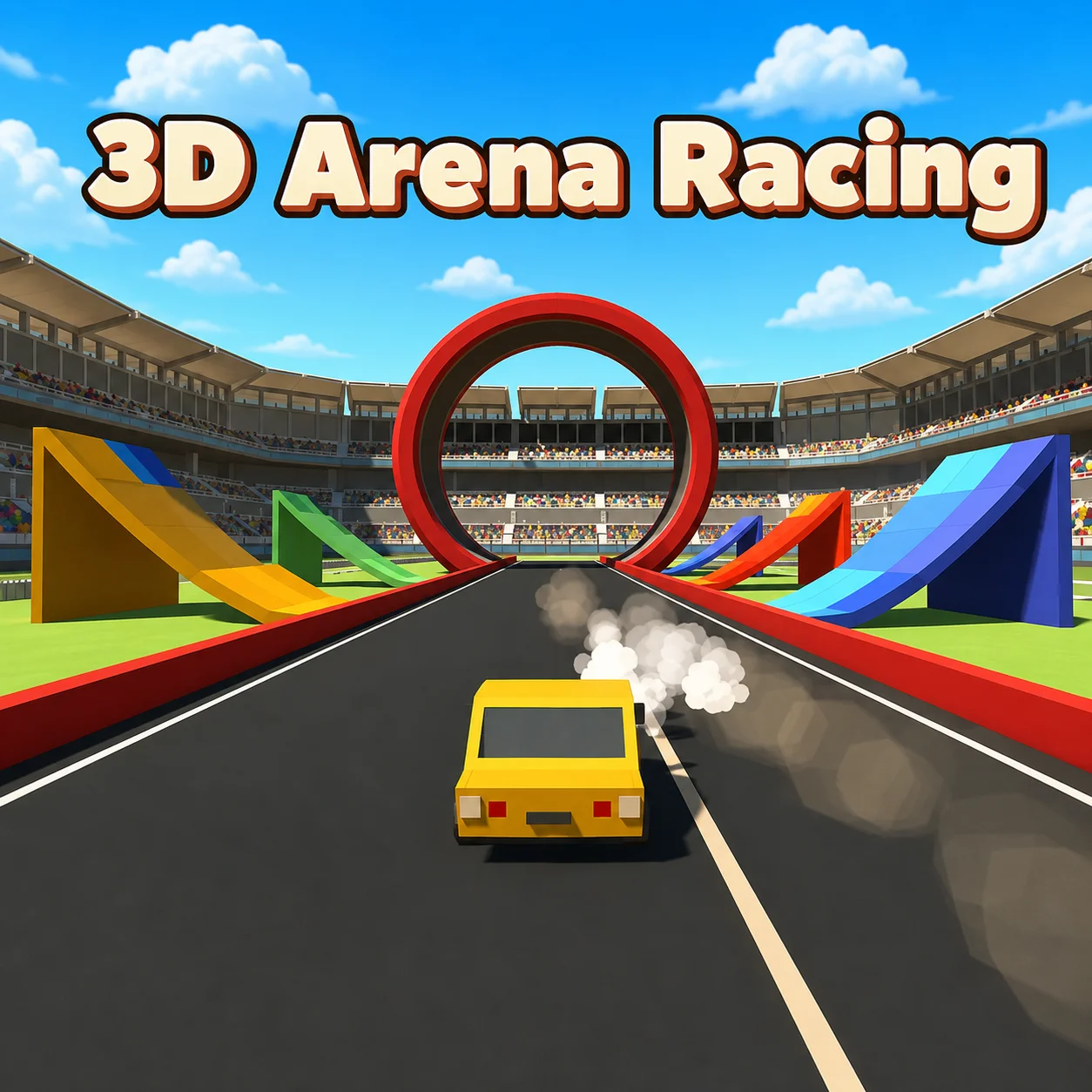
3D Car Simulator is a free-driving playground with cars, ramps and open streets. Explore each area and try ambitious jumps without a race clock pushing you forward.
Open areas invite experimenting with different cars and ramps. With no strict race clock, you can spend time finding a clean run-up and testing how each vehicle handles a jump.
How to Play 3D Car Simulator
Choose a vehicle.
Drive around the open environment.
Use wide roads to build speed before approaching a ramp.
Experiment with ramps and stunts.
Controls
| Action | Control |
|---|---|
| Drive | WASD |
| Brake | Space |
| Reset | R |
3D Car Simulator Tips & Tricks
Learn a vehicle's handling before a large jump. A straight approach gives you better control over the landing.
Approach ramps in a straight line.
Brake before sharp city turns.
Use the reset control when the car gets trapped.
Explore different surfaces to feel how they affect steering.
Frequently Asked Questions
Do I need to win a race?
The described mode is an open driving sandbox.
Are there ramps and stunts?
Yes. Exploration includes jumps and obstacles.
How can I recover a stranded car?
Use the game's reset key R.
Why try different cars?
They offer different handling and driving experiences.
Can I try different types of cars?
The sandbox includes a selection of vehicles.
Why use the reset key?
It helps when a car is flipped or stuck.
Should I jump at maximum speed every time?
Not necessarily; control the approach first.