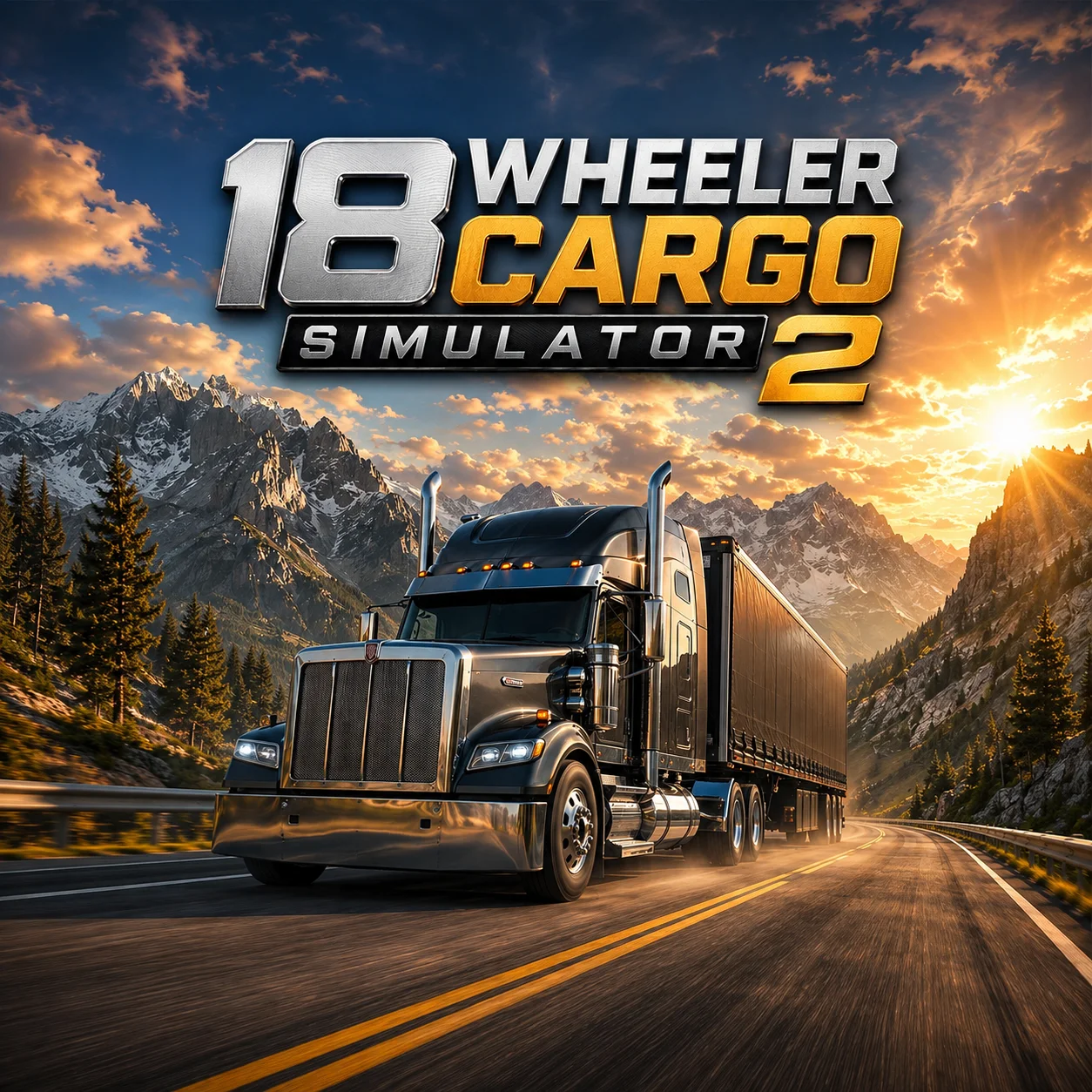

















About 18 Wheeler Cargo Simulator 2
18 Wheeler Cargo Simulator 2 raises the stakes with tougher roads and challenging conditions. Plan your speed through descents and protect the trailer until delivery.
The sequel adds tougher terrain to delivery driving. A route that looks manageable from the cab can still tip a loaded trailer when the road narrows or slopes.
How to Play 18 Wheeler Cargo Simulator 2
Accept the delivery task.
Follow the route through difficult terrain.
Use the camera to judge clearance on difficult roads.
Reach the destination with the cargo intact.
Controls
| Action | Control |
|---|---|
| Drive | WASD / arrow keys |
| Brake | Space |
| Camera | C |
18 Wheeler Cargo Simulator 2 Tips & Tricks
Use the camera to check trailer clearance. Protecting the cargo matters more than shaving a few seconds off the trip.
Slow down before a steep descent.
Avoid full throttle on loose bends.
Correct a wobble gently instead of jerking the wheel.
Budget time for careful driving near the destination.
Frequently Asked Questions
What makes these deliveries challenging?
Difficult terrain and road conditions.
Can I change the camera view?
Yes. Press C to change the camera view.
What is the purpose of braking on descents?
It keeps the trailer from pushing the truck too fast.
What counts as a successful run?
Delivering the cargo to the destination.
Can downhill driving be dangerous with a trailer?
Yes. Its weight makes uncontrolled speed risky.
Why use several camera angles?
Different views reveal the road and trailer more clearly.
What is a safer approach to rough terrain?
Slow down before the obstacle and accelerate gently after it.